The fluidity of your transitions creates the immersion that keeps your audience.
Scene, pace, and mood changes happen with a single gesture. Your audience forgets the screen and stays with you, all the way to your offer.
Magic Digital Impact · Signature
A ready-to-use environment, portable anywhere, that smooths out your sessions and makes your audience want to stay until your offer.
This window is now closed.
The next session will open to attendees of the next webinar.
See the next webinar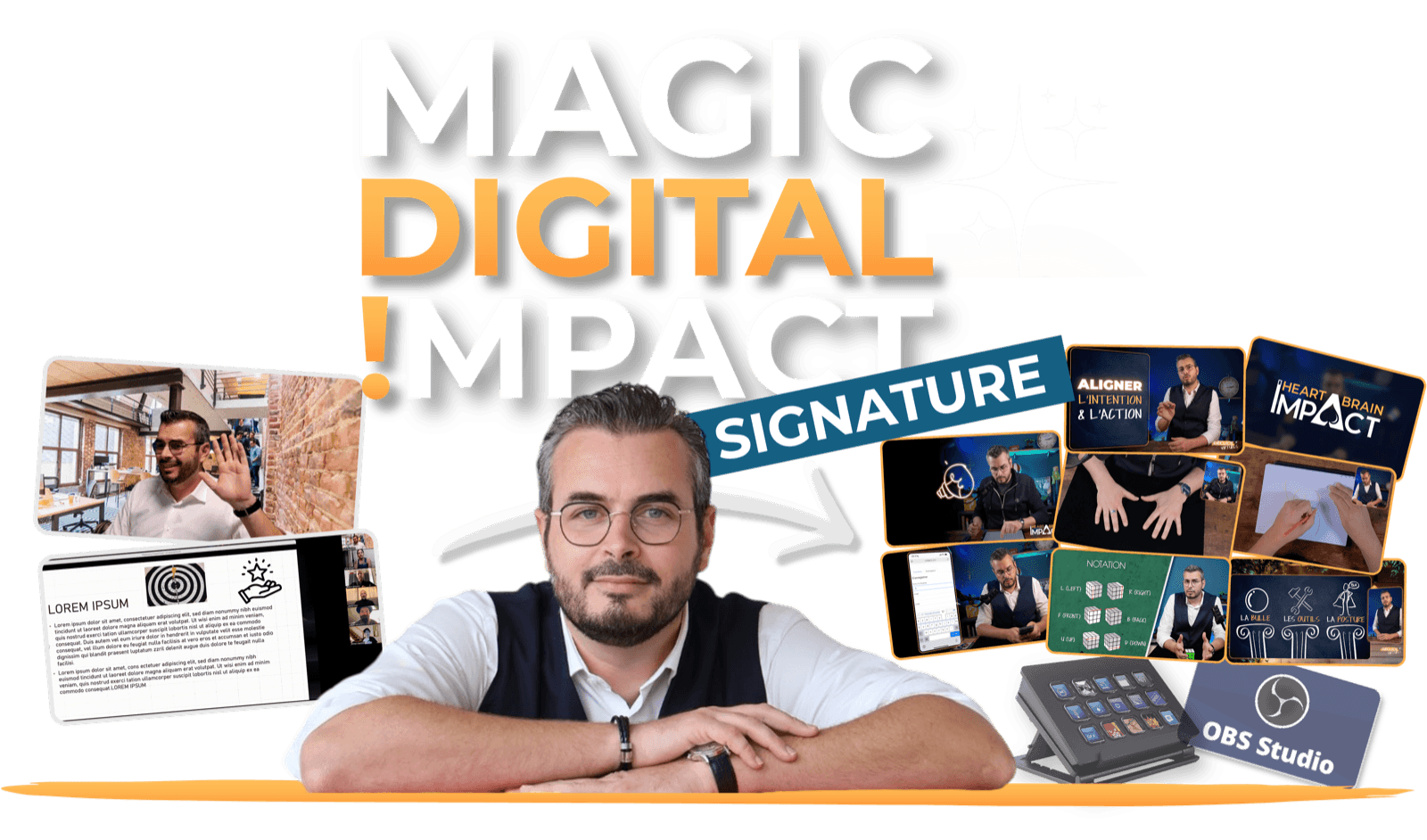
Why Magic Digital Impact Signature
Scene, pace, and mood changes happen with a single gesture. Your audience forgets the screen and stays with you, all the way to your offer.
Nathalie: "OBS used to be my nightmare… until this all-in-one kit, designed with precision." You follow it step by step, there's nothing to figure out on your own.
One-take videos, no editing: you film, you publish. Tutorials, webinars, clips, recorded trainings, with no production cost.
What you get
Your participants stay until the end, because they no longer want to leave. Technical fatigue during the live disappears. You present with pleasure, your image stands out, and your message lands.
And as a bonus
You create your videos without needing to edit, wherever you are.
You film, you publish. Tutorials, clips, recorded trainings: your videos are ready the moment recording ends. No more hours lost in post-production.
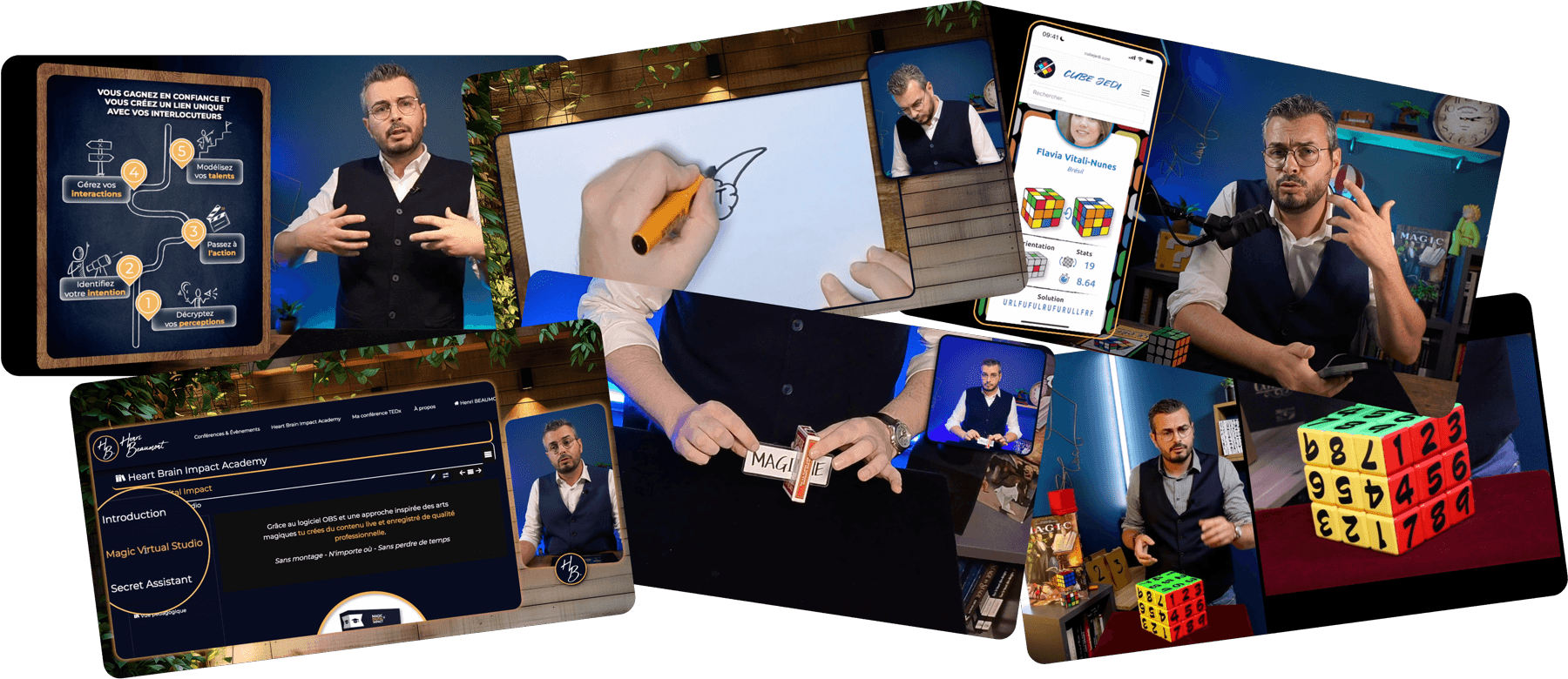
Seeing is understanding
Two demonstrations that speak better than a long description.
Aperçu vidéo n°1
Aperçu vidéo n°2
The method, in plain terms
You run remote sessions: trainings, webinars, lives. You know your content is worth it. But your participants drop off, your image looks like everyone else's, and you find it a chore to present.
It's not for you if
The full program
Six progressive modules to install, configure, and master your production environment. You demystify OBS, you build an impactful digital universe, you stream and record effortlessly.
Format
Magic Virtual Studio is an interactive environment that guides you step by step. Once you complete the path, you get access to every video individually to revisit a specific point whenever you need it.
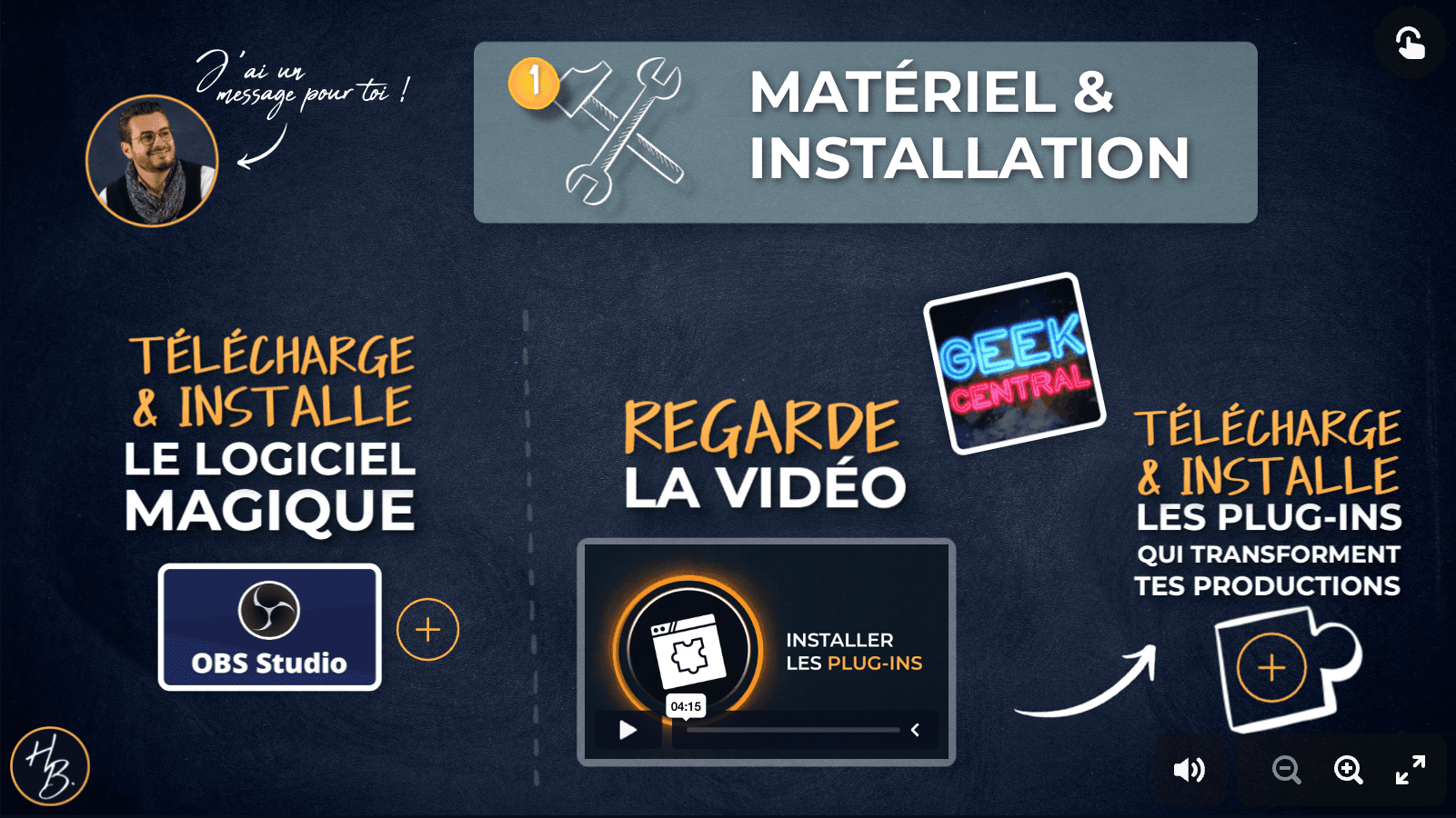
Module 1 of 6
Magic Virtual Studio
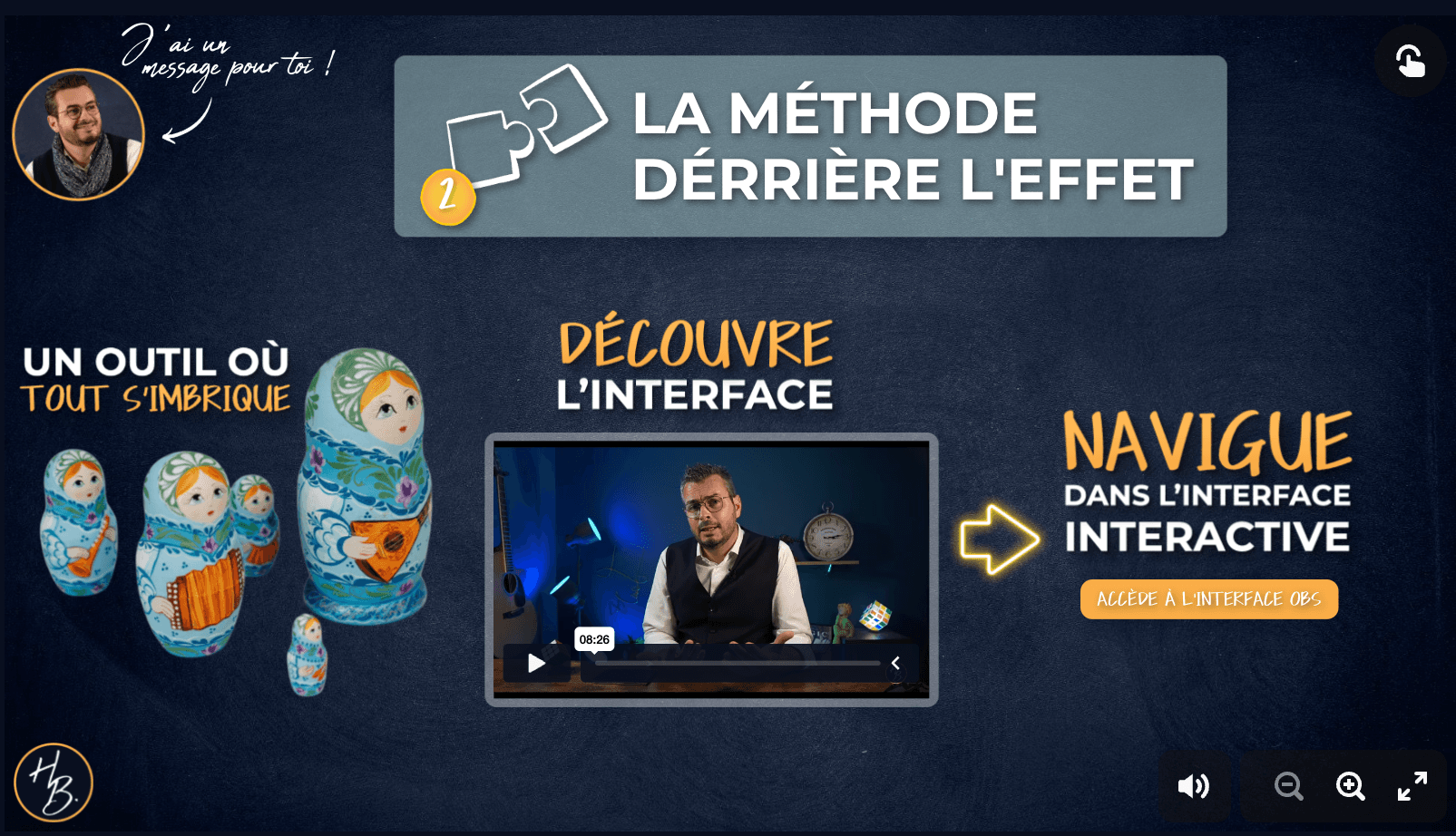
Module 2 of 6
Magic Virtual Studio
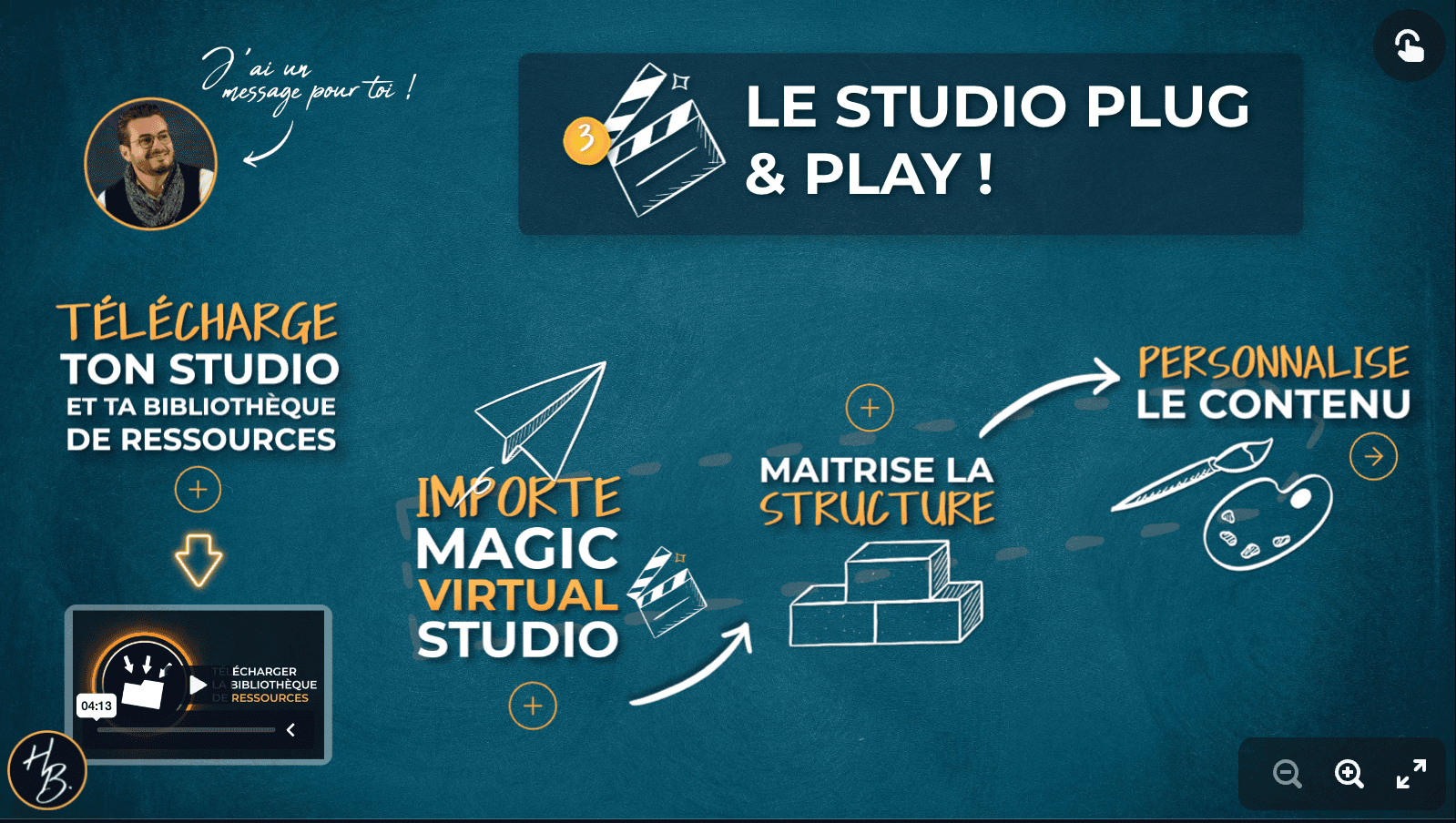
Module 3 of 6
Magic Virtual Studio
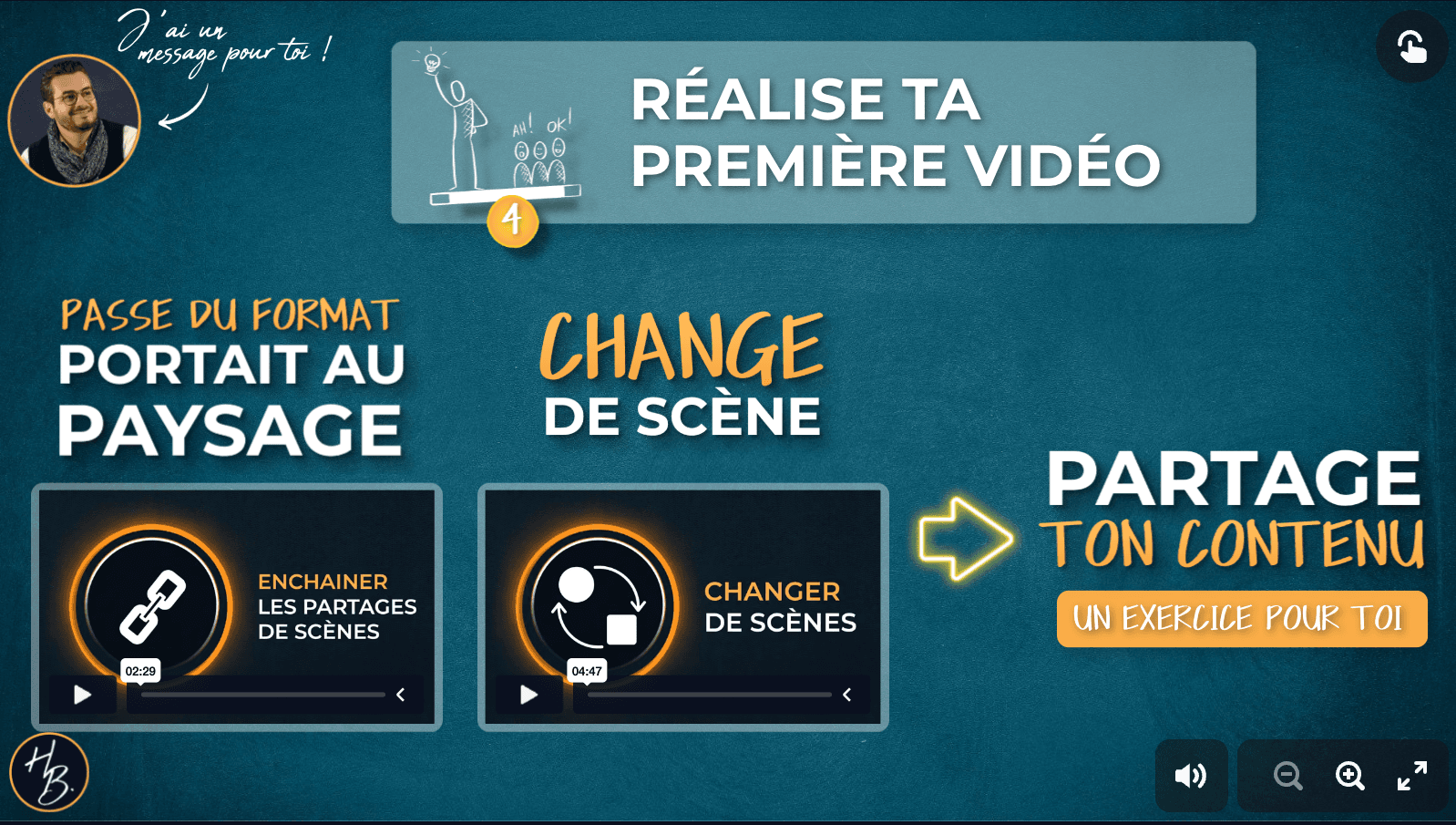
Module 4 of 6
Magic Virtual Studio
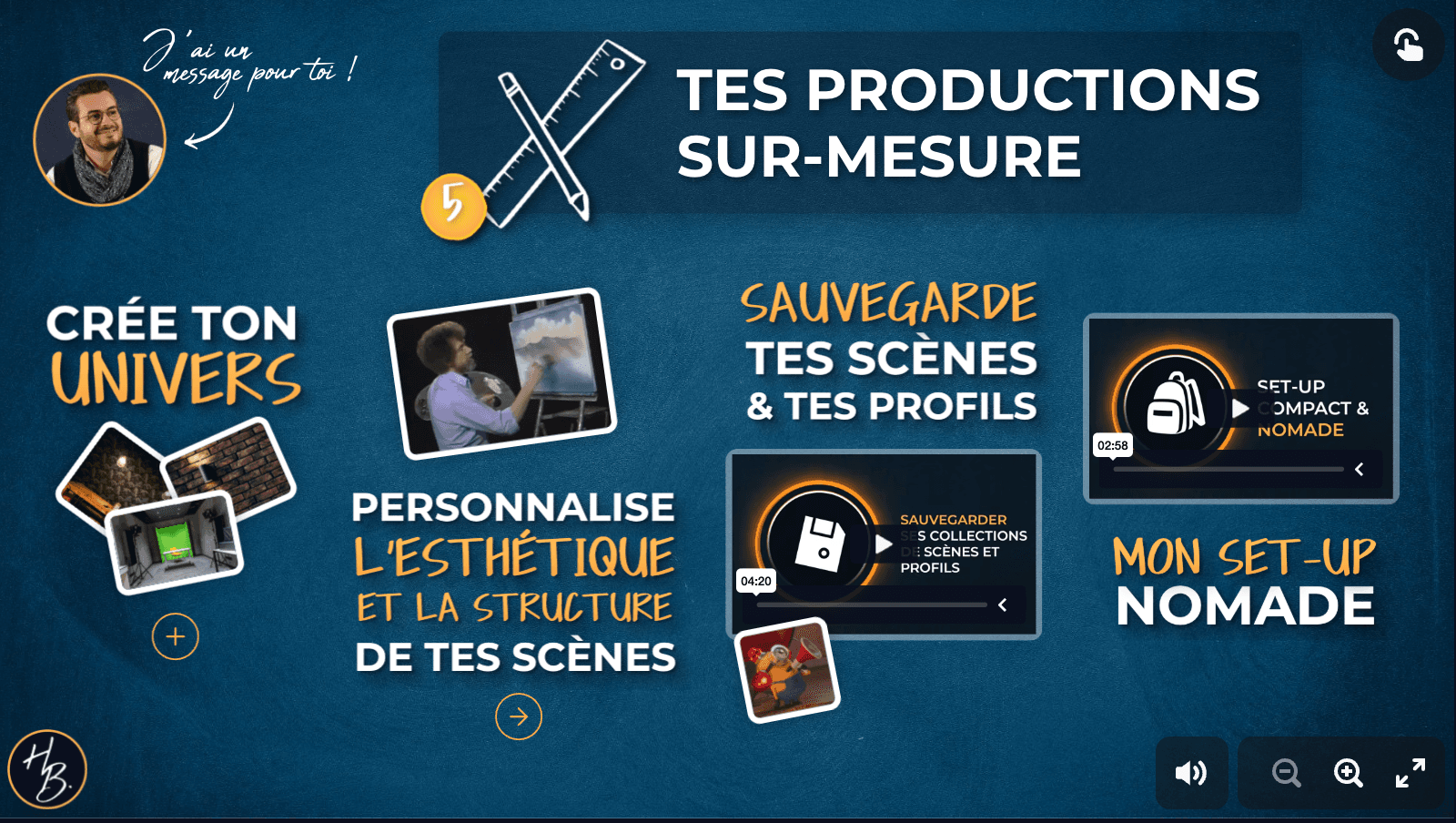
Module 5 of 6
Magic Virtual Studio
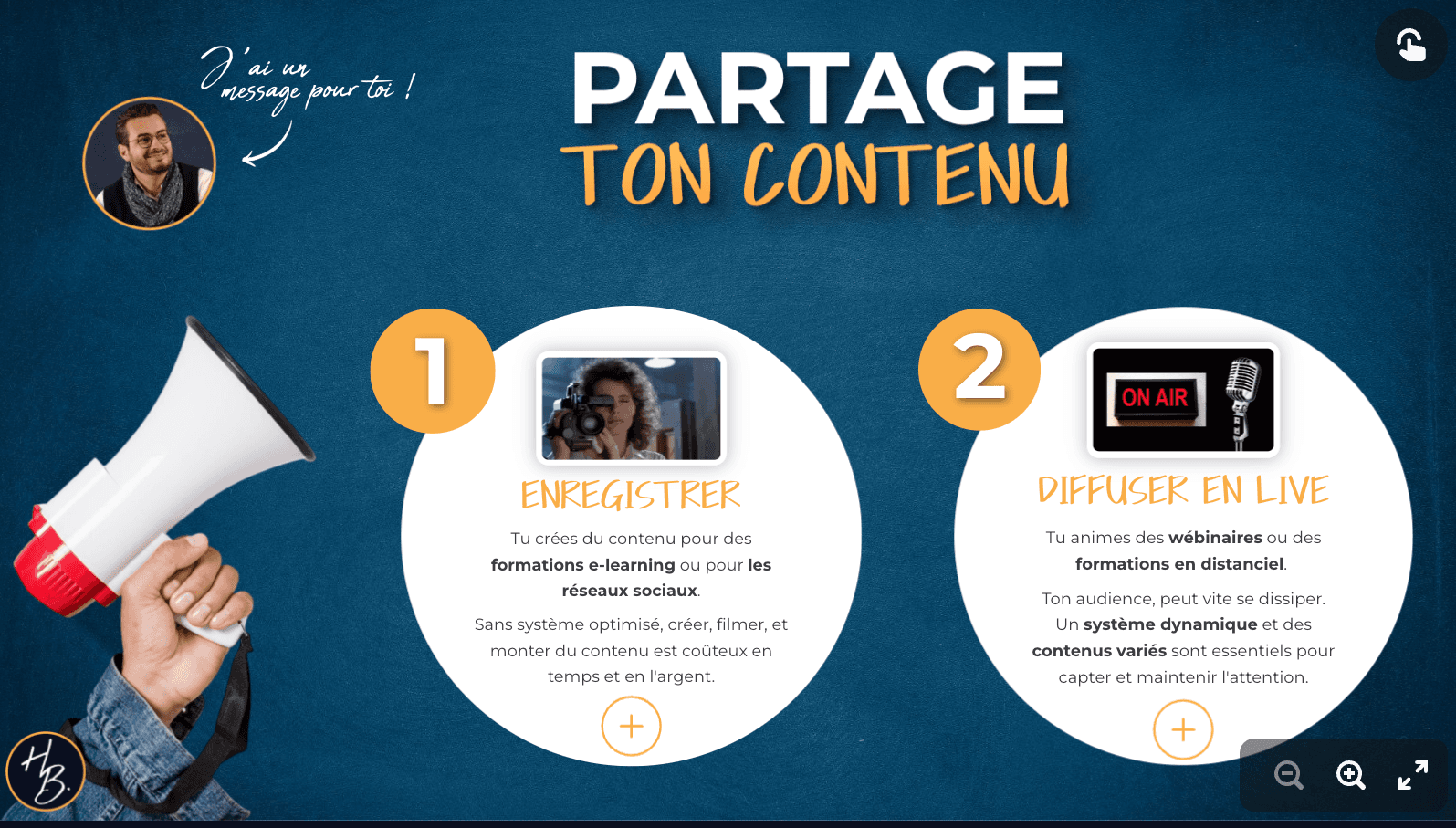
Module 6 of 6
Magic Virtual Studio
Three modules to drive your Magic Virtual Studio from your Stream Deck. Transitions become a single gesture. The intensity of an in-person session becomes reachable over video.
Format
Secret Assistant turns your video calls into genuine digital ballets. Transitions happen at your fingertips, and your participants' attention holds all the way to your offer.
.png&w=3840&q=75)
Module 1 of 3
Secret Assistant
.png&w=3840&q=75)
Module 2 of 3
Secret Assistant
.png&w=3840&q=75)
Module 3 of 3
Secret Assistant
Your objections, answered
"I'm not technical at all."
It's designed for you. Everything is step by step, with an environment already configured and detailed video tutorials. Nathalie can vouch for it: "OBS used to be my nightmare… until this all-in-one kit."
"I don't have professional equipment."
A laptop with a built-in webcam is enough to get started. The list of tested and recommended equipment is included if you want to upgrade your setup later.
"How long does it take to set all this up?"
Plan for 4 hours to get a working environment. Christian set his up alongside his entrepreneurial coaching business. Recommended pace: 30 min to 1 h per session, no pressure.
They've lived it
Céline
Sophrologist & psycho-pedagogue · founder of Pause avec Soi M'Aime
Through my work as a sophrologist and psycho-pedagogue, I invite people aged 7 to 77 to take the breaks they need to move forward and live their daily lives better. This training concretely made me want to develop more remote support work. It strengthens my professional posture, brings a lot of clarity and structure, and above all, lets me offer a real experience to live, beyond a simple video call. Today I run video calls more confidently, more professionally, with a lot more enthusiasm… and that changes everything. Special mention for Henri: available, attentive, and committed, with genuine care for everyone's journey and satisfaction.
On 03/14/26
Christian
Entrepreneurial trajectory coach
I help people who feel stuck in their professional life clarify an aligned entrepreneurial project and turn it into a concrete path. What struck me most, beyond the content, is his ability to make things simple and accessible. The path is smooth, the teaching is clear, and you're quickly led to take action by building your own Magic Virtual Studio. The wealth of shared resources is impressive — an enormous time saver. The training also helped me demystify OBS. I set up a functional, professional studio that now lets me create video content much more easily and with a quality result.
On 03/06/26
Julie
Graphic facilitator
I visually synthesize events and documents to make key messages accessible. I moved into the online format. My in-person trainings were very dynamic and interactive. I needed to find that same energy within my digital trainings. That became possible thanks to the Genially tool, and even more so thanks to Henri's training, because my videos aren't just plain face-cam recordings. Thanks to his training format, the technical side stays very accessible, even for a beginner like me. So don't be afraid, go for it, your learners will thank you.
On 02/02/26
Nathalie
Trainer & content creator
Henri built a training on a subject that, let's be honest, often scares people: OBS. It used to be my nightmare… until this all-in-one kit, designed with precision. His path is motivating, clear, and so visually polished that it naturally makes you want to progress, and actually get there. And then there's Henri: present, responsive, generous. Support that makes all the difference. Invaluable support to move forward with confidence.
On 11/19/25
The next session
This session is no longer open.
Magic Digital Impact Signature only opens to attendees of a webinar. Leave your email to be notified first as soon as the next event opens.
See the next webinarFrequently asked questions
This program is for you if you want to captivate your audience from behind a screen. You're an entrepreneur, trainer, coach, or online content creator. You'll raise the quality of your productions, on your own and at a lower cost.
It's built on a practical, hands-on approach. Short, focused videos for a gentle skill ramp-up. A ready-to-use methodology for fast, measurable results. Resources (visuals and templates) to save you time.
You can create recorded content: video tutorials, e-learning courses, YouTube clips, interviews, podcasts. But also live content: online training sessions, meetings. And if you run webinars to sell your training, this format keeps your audience's attention until the very end. You'll be surprised by your participants' retention rate.
This program requires no technical skills. I walk you through using OBS step by step.
Yes, everything is customizable. The Magic Virtual Studio is the starting point. It covers most needs (it's exactly the one I use every day). If you need to, you can adjust it, and I show you how.
OBS works on Mac, Windows, and Linux. For Intel-based Macs or PCs, a late-2019 model or newer is preferable. Macs with Apple Silicon chips (M1 and later) work perfectly with the system. Configuration to avoid: a PC with a 7th-generation Intel i5 chip or older. Intel-based MacBook Airs are also affected. In other words, a laptop with a webcam is enough to follow the program. There are physical Stream Deck models in several formats — I cover the different models in the program. That said, you can start with the mobile app, which offers a 7-day free trial (the annual subscription afterward is 29.99 € including tax — in my view, this cost is easily offset by the productivity gains).
From the very first videos, you'll have actions to put into practice. From your first day using the Magic Virtual Studio LITE, you'll see results. Setting up the studio and OBS is very quick. If you follow the program step by step, you'll notice a difference in your communication and impact very fast.
Payment by credit card or PayPal. Any issue? Reach me at contact@henri-beaumont.com, I'll help you out.
This program is not eligible for CPF or OPCO funding (French training funding schemes).
As soon as you sign up, you get immediate access through your member area. The videos are unlocked and ready to watch.
Sessions of 30 minutes to 1 hour are a good balance. I recommend that pace, but you can move at your own speed. The program is progressive to make sure the concepts sink in properly.
One last thing
Join the coaches, trainers, and therapists who have already turned their remote sessions into experiences their participants don't want to leave.
.png&w=1080&q=75)
Creator of Magic Digital Impact