Pre-configured
Everything is already set up for you. You import one file, there is nothing to build.

You import a studio pre-configured for OBS, make it yours, and it is ready to use.
Designed by Henri Beaumont, TEDx 2024 speaker. Over 1,000 participants trained remotely.
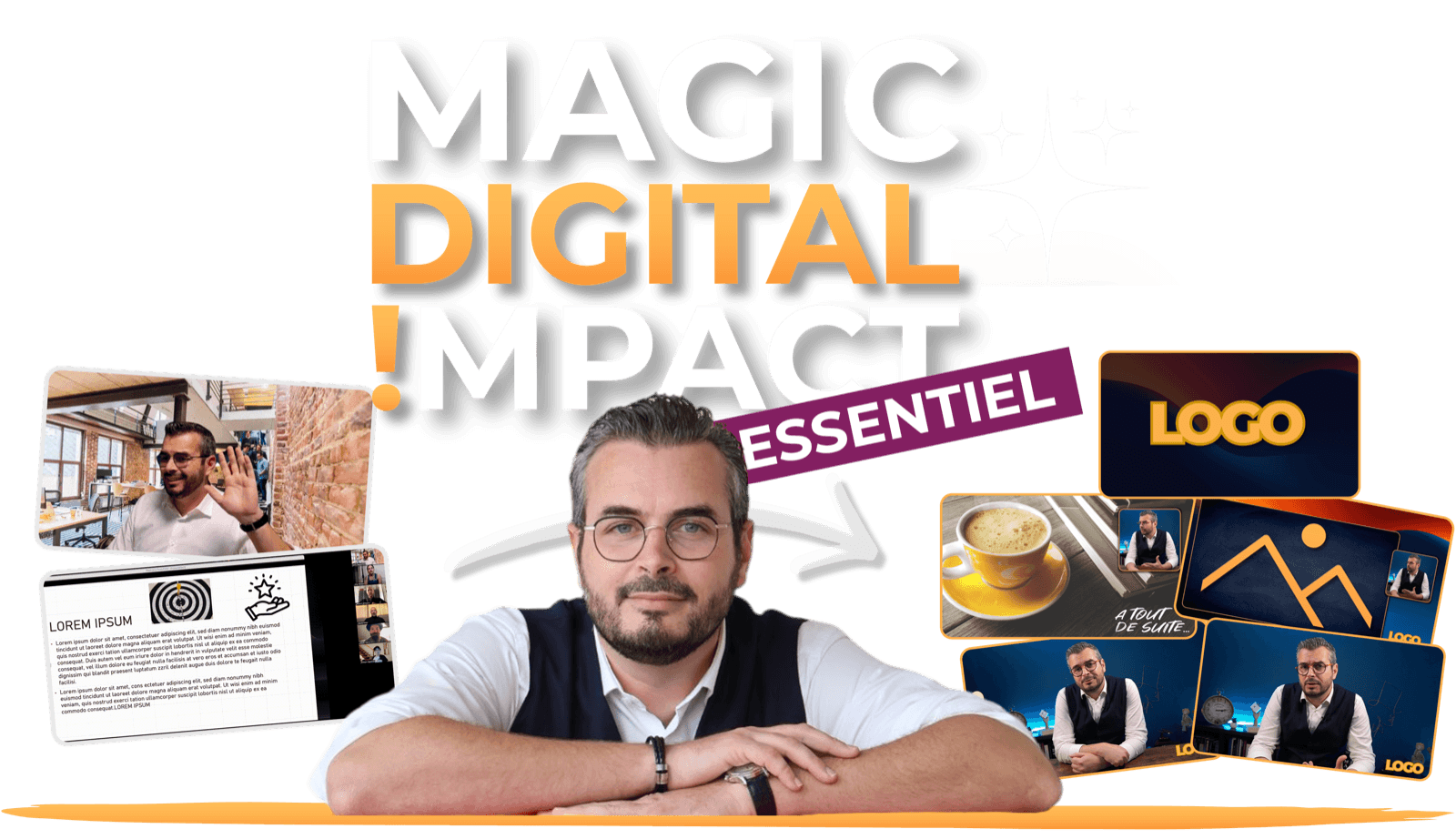
Why Magic Digital Impact Essentiel
Everything is already set up for you. You import one file, there is nothing to build.
You make the environment yours in a few clicks, without touching technical settings.
OBS Studio is free. You pay for your environment once.
What you get
Your video calls and webinars no longer look like everyone else’s. Your environment is imported in a few clicks, made yours, and ready to use in under 60 minutes.
Included in your environment
Control it at your fingertips.
With Secret Assistant Lite, you switch scenes from your phone using the free Stream Deck Mobile app, and you stay present with your audience.
The bonus you may not have expected
No more editing.
By recording straight from your digital studio, your videos are ready the moment recording ends. You film, you publish.
In plain terms
Trainers, coaches, independent therapists
No technical skills
A recent computer, and that's all.
A guide walks you through it, wherever you are.
A virtual environment that looks like you.
Customized in a few clicks.
Ready to use.
For your video calls, webinars and videos.
Controlled at your fingertips.
To record content or run live video calls.
Under 60 minutes.
Without spending hours on it.
Simple. Light. Ready right away.
Why you will get there

Karine
Sales and management performance consultant & trainer
On 08/30/26
« Onboarding down to the smallest detail. I'd had OBS and a Stream Deck for a while, but the step needed to actually use them felt too high for me. Here you're guided step by step, you download all the resources, you install them together. In short, onboarding down to the smallest detail. I now feel calm and motivated to get started. »
How it works
The software is free. You are guided through installing it and finding your way around.
Your logo, your colours, which side your camera is on: you choose in a few clicks, before you even download.
One file to import, and your virtual studio appears, already set up to look like you.
With Secret Assistant Lite, you switch scenes from your phone, using the free Stream Deck Mobile app.
You run your video calls or record your videos, in your own setting.
Your hesitations, answered
“I’m not technical.”
There is nothing to build: the environment is already set up, you import it. Nathalie says it about the full kit: “OBS was my nightmare… until his all-in-one kit.”
“I don’t have time.”
Allow under 60 minutes for everything to be imported, made yours and ready to use.
“Yet another subscription?”
No. OBS Studio is free and you pay for your environment only once.
Exactly what you get

Included
Magic Virtual Studio Lite, the pre-configured file
399€
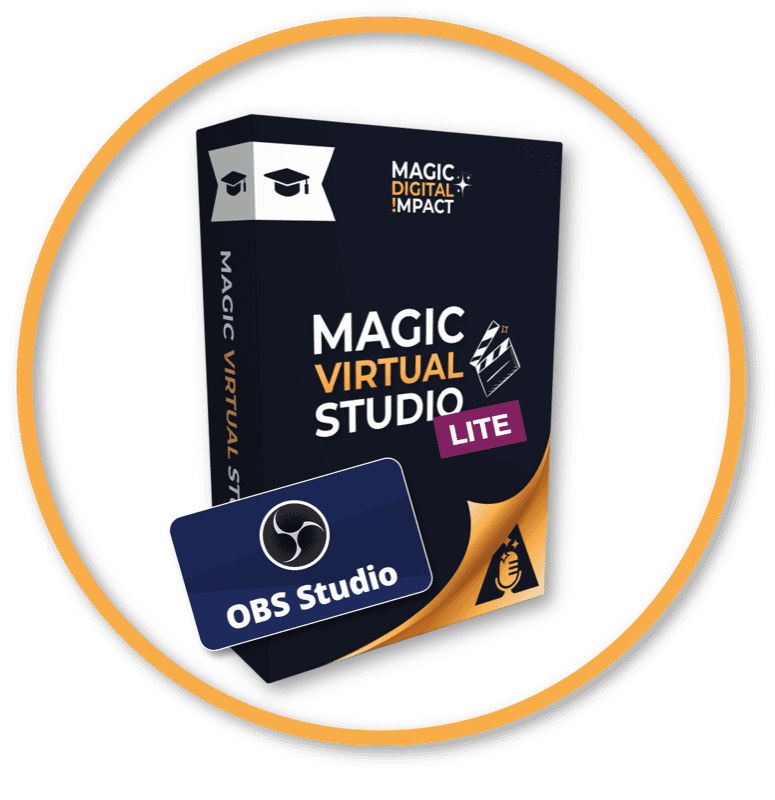
Bonus #1
The Magic Virtual Studio Lite course (guided step-by-step setup)
247€

Bonus #2
The resource pack
67€
Bonus #3
Customizing your studio’s orientation, your logo and the color of the outline around your camera
147€

Bonus #4
Future updates
97€
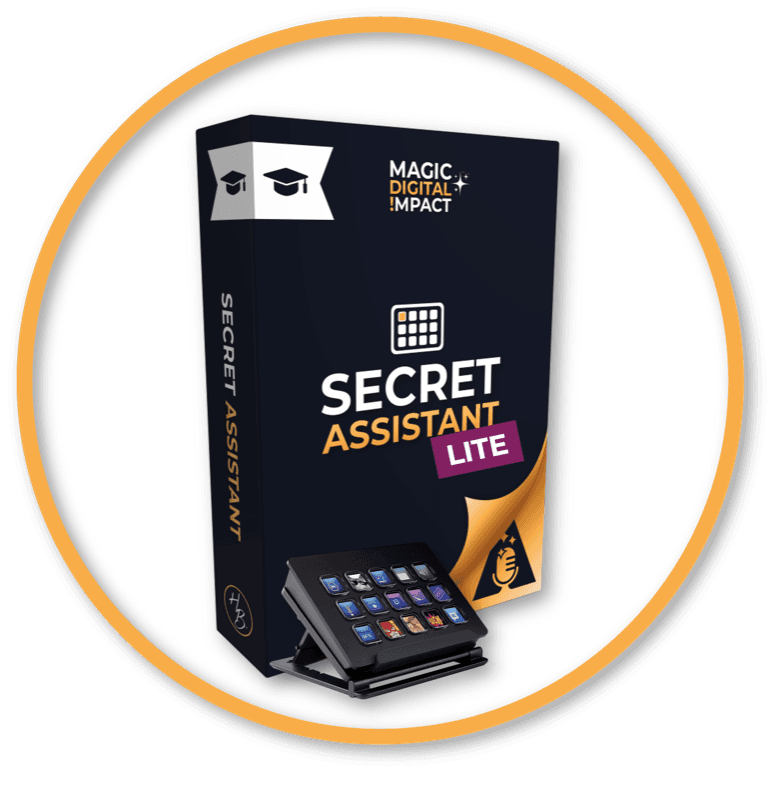
Bonus #5
The Secret Assistant Lite course
197€
Bonus #6
The pre-configured Stream Deck profile
97€

Bonus #7
The custom icon library
47€

Bonus #8
A 30-minute one-on-one diagnostic with Henri
210€
The values shown reflect the time and setup effort each item saves you.
Today
149€
If you continue
0€
Important
To thank you for trusting me with this first purchase, I am giving you a bonus:
It is fully deducted if you choose to continue with me within 30 days.
Your 149€ is deducted from Magic Digital Impact Académie or Magic Virtual Studio. Your personal code is sent after purchase, single use.
Order page not open? Write to henri@magic-digital-impact.fr and I will give you access.
She did it

Nathalie
Trainer & content creator
On 11/19/25
« An all-in-one kit, designed with precision. Henri built a training on a subject that, let's be honest, often scares people: OBS. It used to be my nightmare… until this all-in-one kit, designed with precision. His path is motivating, clear, and so visually polished that it naturally makes you want to progress, and actually get there. And then there's Henri: present, responsive, generous. Support that makes all the difference. Invaluable support to move forward with confidence. »
Like Nathalie, you can do this in 60 minutes.
Get Magic Digital Impact Essentiel
30-day guarantee
If you’re not satisfied, send an email to henri@magic-digital-impact.fr and I will refund you.
The guarantee applies as long as the pre-configured Magic Virtual Studio Lite file has not been downloaded. Since this download constitutes use of the digital content, it ends the guarantee in accordance with art. L. 221-28 of the French Consumer Code.
Frequently asked questions
It is the starter pack: the Lite studio, a pre-configured virtual environment for OBS Studio, and Secret Assistant Lite to drive it from your phone. You import it, make it yours in a few clicks, and it is ready to use in under 60 minutes.
No. The environment is already set up and a step-by-step guide walks you through it.
Yes. You get 30 days of technical support: you ask your question by email or straight from your member area.
A Mac with Apple silicon or Intel (macOS 13 or later) or a PC running Windows 11, no dedicated graphics card.
Under 60 minutes for everything to be imported, made yours and ready to use.
No. Secret Assistant Lite works with the Stream Deck Mobile app, free with no subscription up to six buttons. That is enough to drive your studio.
No. OBS Studio is free and you pay for your environment only once.
Yes. Future updates of Magic Virtual Studio Lite and Secret Assistant Lite are included.
You get an email right away to set up your account. Your invoice is sent by email.
You have a 30-day guarantee, valid as long as the pre-configured file has not been downloaded. Send an email to henri@magic-digital-impact.fr and I will refund you.
One last thing
In under 60 minutes, your virtual environment is imported, made yours and ready to use.
I want my environment for 149€
Creator of Magic Digital Impact